When Chromebook Rentals Make Sense for Classes, Testing and Events
· By admin · Chromebooks, Laptop Rentals
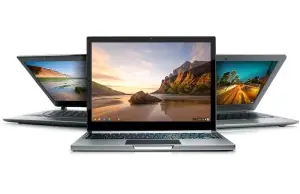
Chromebooks are simple laptops built around the Chrome browser and ChromeOS. They start up quickly, update themselves and keep most files in the cloud. That simplicity makes them a smart rental choice for some projects and a poor fit for others.
Here's how to tell whether Chromebook rentals make sense for your class, test or event.
What makes Chromebooks different
Unlike Windows laptops and MacBooks, Chromebooks are designed mainly for web-based work. Most apps run in the browser, and files usually live in cloud storage like Google Drive. Chromebooks can also run Android apps from the Google Play Store on many models, and some Linux apps on supported models.
Because there's less installed on the laptop, Chromebooks are quick to set up, easy to reset and less likely to be slowed down by software clutter.
When Chromebooks are a great fit
Web-based training
If your training uses a web app, a learning management system or online documents, Chromebooks are an easy choice. Every trainee gets the same simple, consistent experience, and there's little to troubleshoot.
Online testing and certification
Many testing platforms run in a browser. Some also support Chromebooks in a locked testing mode. Check with your testing provider before you rent to confirm Chromebook support and any required settings.
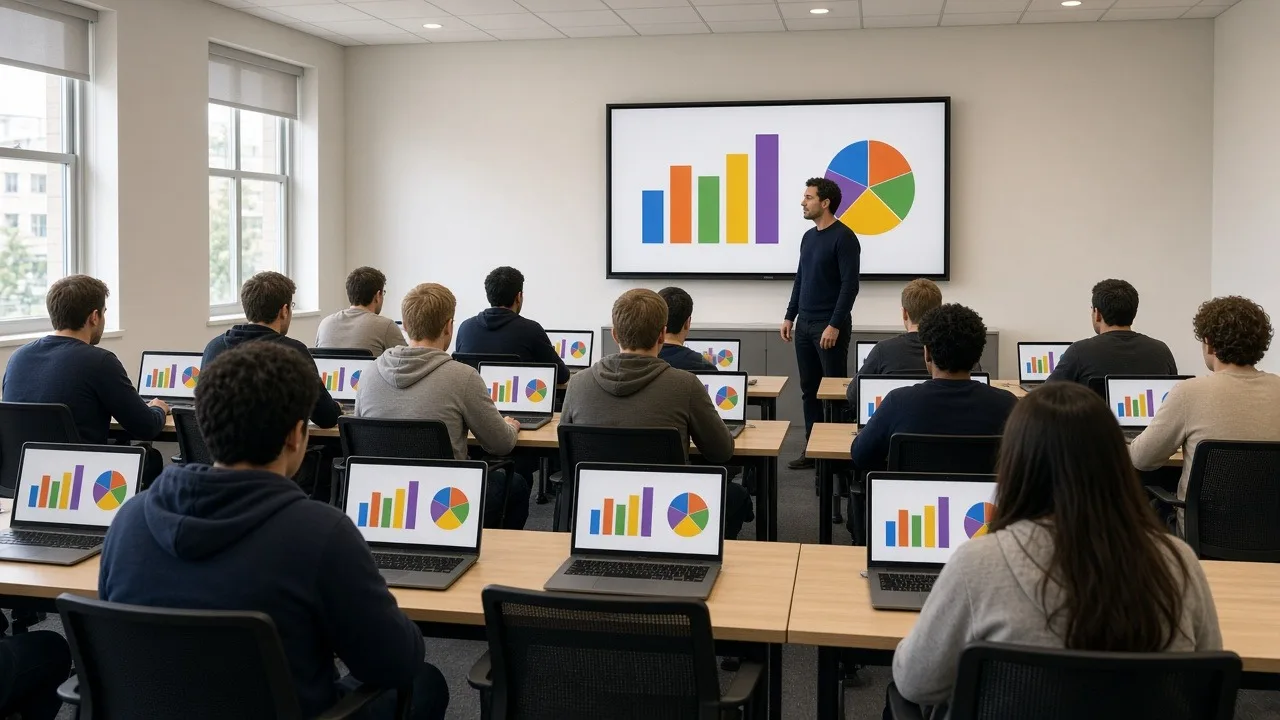
Classrooms and workshops
For a short course, summer program or community workshop, Chromebooks offer simple sign-in and fast startup. Students can get to work quickly.
Event check-in and stations
Chromebooks can work as registration stations, survey stations or information kiosks when the task is a web page or web form.
Large, identical fleets
When you need many identical laptops for a short period, Chromebooks are easy to prepare and reset. That's useful for projects where devices pass between different groups.
When to choose something else
Chromebooks aren't the right fit if:
- Your software is a Windows or macOS desktop application that doesn't run in a browser.
- You need full desktop versions of certain professional tools, like some design, engineering or accounting software.
- People will work offline for long periods with software that needs a full operating system.
- Your organization requires a specific Windows or macOS security setup.
In those cases, Windows laptops or MacBooks are usually the better choice.
What to check before you rent
Run through this list:
- Software: Does everything your users need run in a browser or as a supported app?
- Sign-in: Will users sign in with Google accounts, guest mode or a managed account?
- Internet: Is there reliable Wi-Fi at the venue? Chromebooks work best online.
- Printing: If people need to print, confirm how the printer will connect.
- Peripherals: Check any card readers, headsets or other devices you plan to use.
Setup tips for a class or test
A little preparation helps everything run smoothly on the day:
- Test your web app or testing platform on a Chromebook before the event.
- Bookmark the sites users need, or set them as the home page.
- Decide whether users will use guest mode or sign in.
- Number each Chromebook and its charger.
- Charge every device the night before.
- Plan for a few spares in case one has a problem.
If your organization manages Chromebooks through the Google Admin console, coordinate with your IT team about enrolling the rental devices, or ask us what's possible when you request a quote. RentOurLaptops.com also offers configuration services to prepare laptops before they ship.
After the event
When the class or test is over, have users sign out. Then reset or powerwash each Chromebook to clear local data. Repack Chromebooks and chargers in the original packaging, and attach the prepaid return labels.
Delivery and support
RentOurLaptops.com rentals, including Chromebooks, ship nationwide to your office, school, hotel or venue with prepaid return labels. On-site delivery and setup is available as an extra-cost add-on in many areas if you'd like a technician on hand.
Plan for accessibility and comfort
Think about the people using the Chromebooks, not just the software. ChromeOS includes built-in accessibility features, such as a screen reader, screen magnifier and high-contrast mode, which can be turned on in settings. If your class or test runs for several hours, consider external mice and headsets, and make sure seating and power reach every station.
Ready to plan your Chromebook rental?
Tell us how many Chromebooks you need, what users will run on them and your dates. Request a quote, and we'll help you plan the right setup.